Windows Error Code Lookup
Find what a Windows error means, understand common causes, and follow practical troubleshooting steps.
Try a code above, or enter a code or keyword such as “blue screen”, “update”, “network”, or “DLL”.
Windows Error Code Lookup is a simple way to understand common Windows error codes without spending time searching through complicated technical pages. If you have encountered an error such as 0x80070005, 0x800f081f, 0xc0000005, or 0x80070035, this ToolXON tool can help you quickly identify what the code generally means, why it may appear, and what you can try next.
Instead of guessing from a random error message, enter the Windows error code into the lookup box and get a short, practical explanation. The tool also includes a HEX-to-decimal converter, which can be useful when a Windows error is shown in hexadecimal format. The information is designed as a quick reference, while the exact cause of an error can vary depending on your Windows version, installed software, drivers, permissions, and system configuration.
How to Use Windows Error Code Lookup
- Enter your Windows error code in the search box.
- Click Search to view the matching information.
- Read the meaning and common causes of the error.
- Follow the suggested troubleshooting steps that match your situation.
Common Windows Error Codes
| Error Code | Common Meaning |
|---|---|
| 0x80070005 | Access Denied |
| 0x80070002 | File or path not found |
| 0x80070057 | Incorrect parameter |
| 0x80070490 | Element not found |
| 0x800f081f | Required source files not found |
| 0xc0000005 | Access violation |
Why Windows Error Codes Appear
Windows error codes can be caused by permissions, damaged system files, missing components, software conflicts, Windows Update problems, network configuration, or other system-level issues. A code usually provides a useful starting point, but it does not always identify the complete cause by itself.
Related Windows Tool
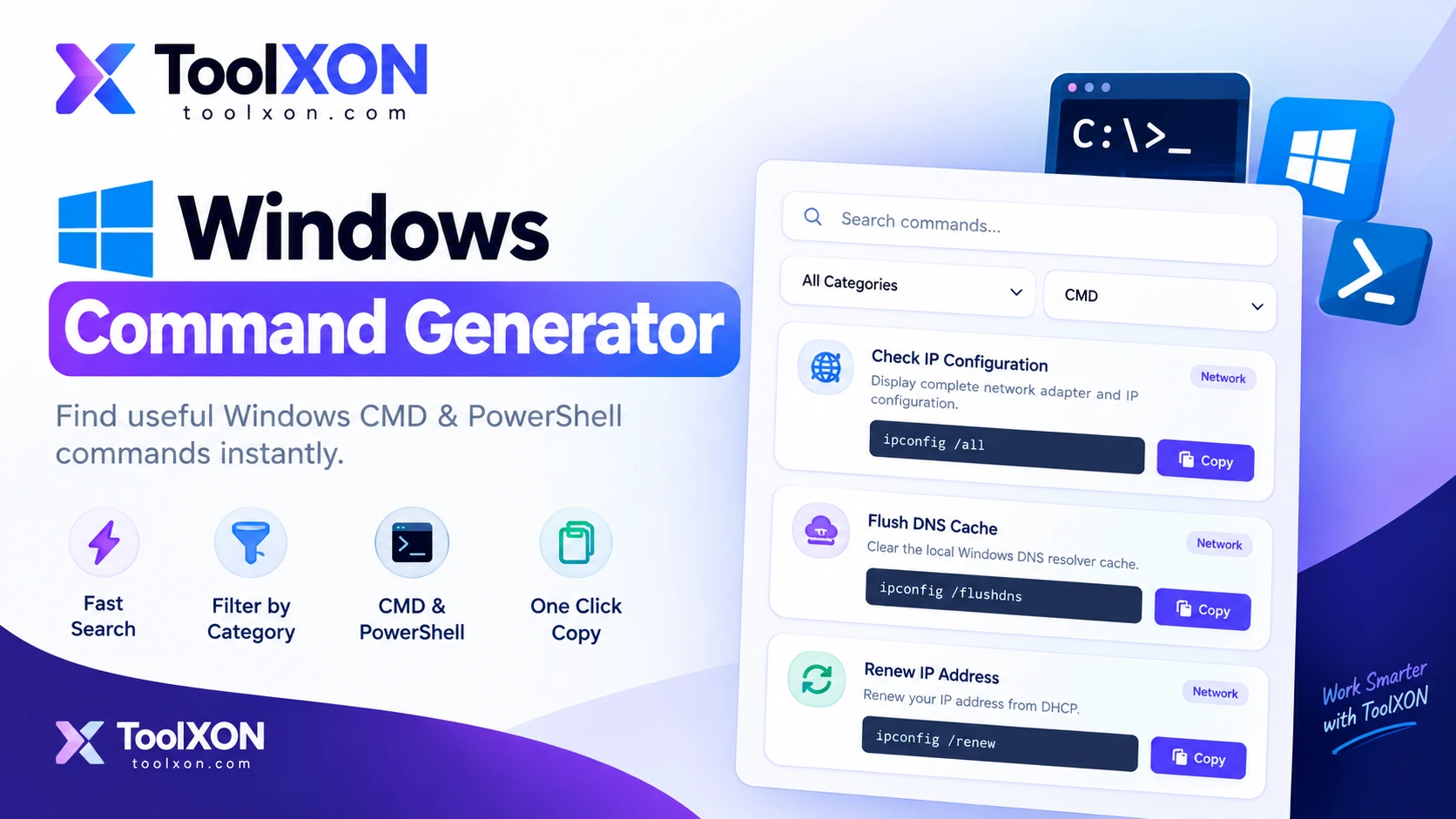
When troubleshooting a Windows problem requires checking or finding a command-line instruction, you can also use the Windows Command Generator to search for relevant CMD and PowerShell commands.
People Also Search For
🔎 Related Windows Error Searches
- Windows error code lookup
- Windows error code checker
- Windows error code meaning
- How to fix Windows error codes
- Windows error troubleshooting tool
- Common Windows error codes
- Windows hexadecimal error code converter
- Windows error code search tool
Frequently Asked Questions
What is a Windows error code?
A Windows error code is a value used to identify or describe a particular system, application, update, permission, or network-related problem.
Can this tool fix Windows errors automatically?
No. The lookup tool explains the error and provides troubleshooting suggestions. You still need to apply the appropriate fix on your Windows PC.
Can I search hexadecimal error codes?
Yes. Common hexadecimal formats such as 0x80070005 can be entered directly into the lookup tool.
Why does the same error code have different causes?
The underlying cause can depend on the Windows version, application, drivers, permissions, system files, and other configuration details.
Final Thoughts
When a Windows error appears, knowing what the code represents can make troubleshooting much easier. ToolXON Windows Error Code Lookup gives you a quick starting point for understanding common codes and deciding which troubleshooting steps are worth trying first.
Leave a Comment
Join the discussion. Please keep comments respectful.