Image Compressor
Select an image, choose quality and output format, then compress it locally in your browser.
ToolXON Image Compressor is a simple way to reduce image file size without installing software or uploading your photos to a server. If a large image is making a website slower, taking too much storage, or becoming difficult to share, this browser-based image compressor can help. It supports JPG, PNG, and WEBP files and lets you adjust quality, resize images, and choose a target file size.
The biggest advantage is privacy. Your selected images are processed directly in your browser, so you can compress images without sending them to an online server. You can also work with multiple images and download the compressed files individually or together as a ZIP file.
What Can You Do With ToolXON Image Compressor?
- Compress JPG, PNG, and WEBP images.
- Reduce image size for websites and sharing.
- Choose compression quality.
- Set a target size such as 100KB, 200KB, 500KB, or 1MB.
- Resize large images by maximum width.
- Preview compressed images before downloading.
- Download multiple compressed images as a ZIP file.
How to Compress Images
- Select one or more images.
- Choose your preferred output format.
- Adjust the quality or select a target file size.
- Set a maximum width if needed.
- Click Compress All Images.
- Preview the results and download your files.
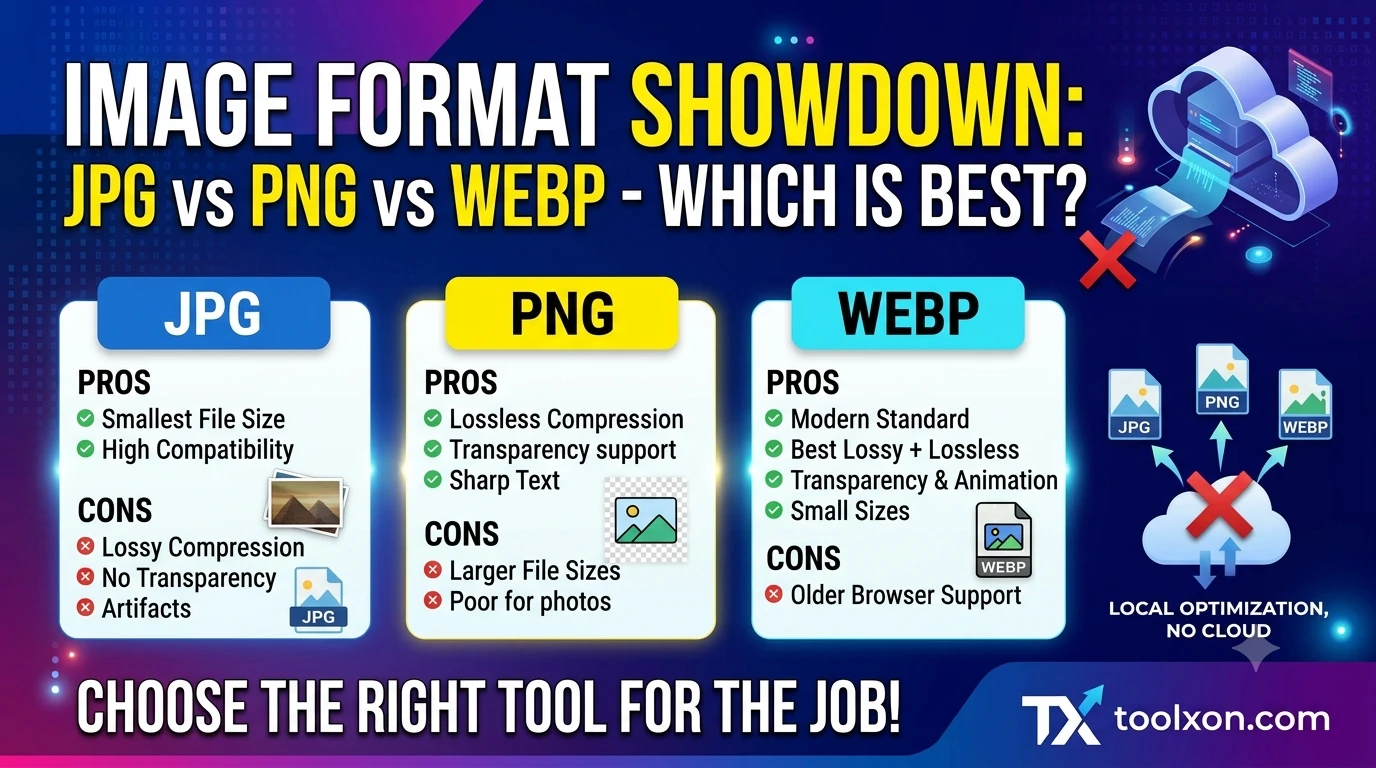
JPG, PNG, or WEBP: Which Should You Choose?
JPG is useful for photographs, while PNG is better when transparency or lossless image quality is important. WEBP can often provide a smaller file size while maintaining good visual quality, making it a practical choice for many websites.
Important Image Compression Tips
Very aggressive compression can make text, edges, and photographs look noticeably worse. For normal website images, start with around 70–85% quality and compare the result before downloading. If you need a very small file, the target-size option can help, but extremely small targets may require lower quality or smaller dimensions.
🔎 People Also Search For
image compressor, compress image online, reduce image size, JPG compressor, PNG compressor, WEBP compressor, compress image to 100KB, resize image online, image optimization tool
Frequently Asked Questions
Is ToolXON Image Compressor free to use?
Yes. The browser-based compressor can be used without installing a separate image compression application.
Are my images uploaded to a server?
No. Image processing is designed to happen locally in your browser rather than uploading the selected image to a server.
Can I compress an image to 100KB?
Yes. You can select the 100KB target option. Depending on the original image, reaching that size may require lower quality or smaller dimensions.
Which format gives the smallest image?
There is no single format that is always smallest. For many photographs and web images, WEBP can offer a good balance between file size and visual quality.
Try ToolXON Image Compressor
If you need a quick way to compress images online, reduce large JPG or PNG files, or prepare images for a faster website, ToolXON Image Compressor provides the essential controls in one place. Because processing happens in the browser, you can compress images conveniently without relying on a traditional image-upload service.
Leave a Comment
Join the discussion. Please keep comments respectful.