Table of Contents
- Introduction: Why Managing Text Formatting and Casing Matters
- How to Use the ToolXON Case Converter
- Key Features of Our Online Text Casing Tool
- Frequently Asked Questions (FAQs)
Introduction
Have you ever accidentally typed an entire paragraph with your Caps Lock on, only to realize you have to retype the whole thing from scratch? Or perhaps you need to quickly format a list of headings into proper title case for a professional document or stylish box layout. Manually fixing capitalized letters and lowercase text is tedious, time-consuming, and entirely unnecessary. That is precisely why having a fast, reliable case converter
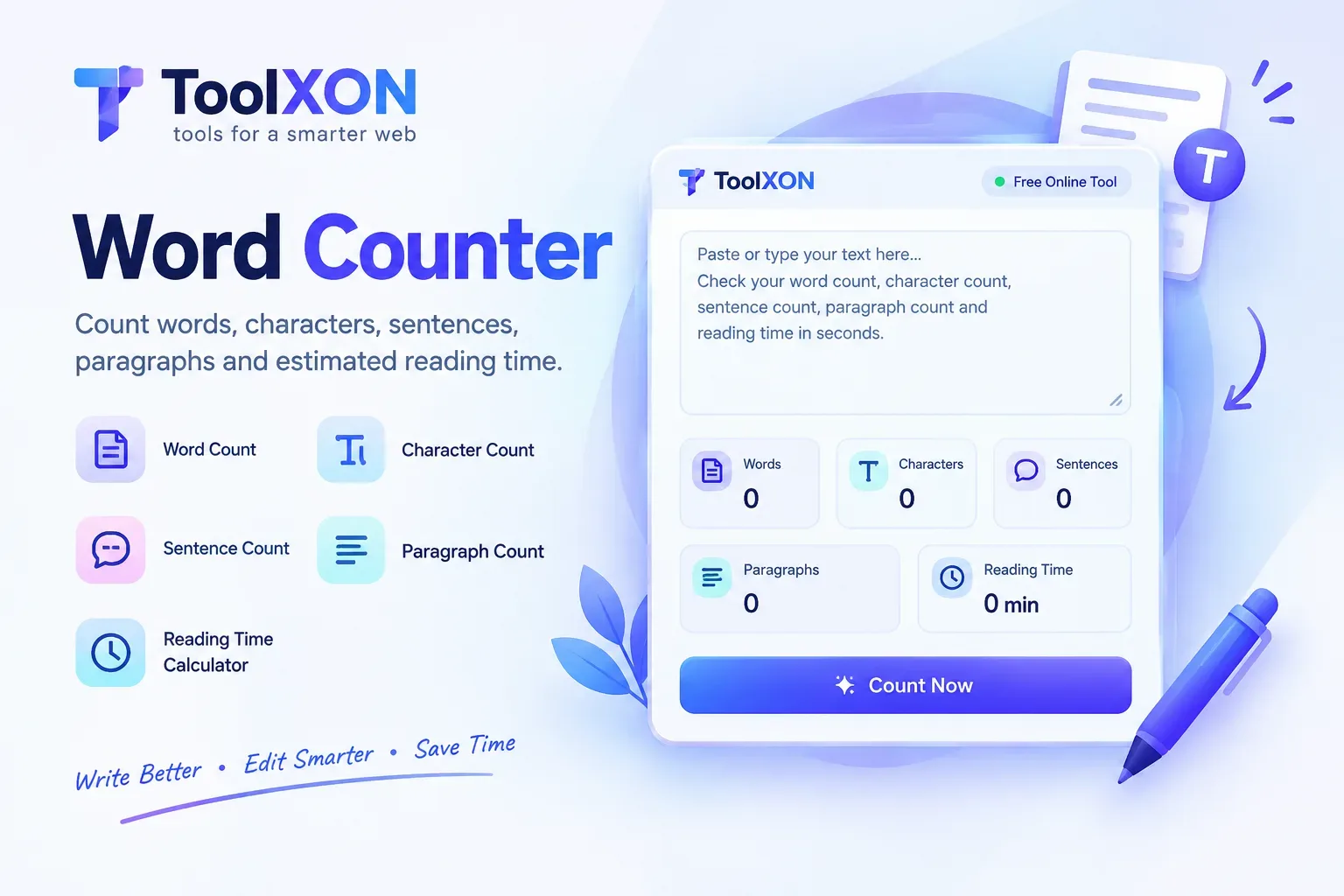
Whether you are a developer formatting code variables, a marketer standardizing social media tags, or a student preparing an essay, maintaining consistent text casing is essential. As you refine your workflow, you might also want to explore our companion Word Counter
Case Converter
How to Use the Text Case Changer
Transforming your text takes only a few simple steps:
- Paste Your Text: Copy the content you want to modify from your document or notes.
- Drop it into the Box: Insert the text directly into the input area of the tool.
- Select Your Casing Style: Choose whether you want uppercase, lowercase, title case, sentence case, or alternating case with a single click.
Key Benefits of Using a Text Casing Tool
Managing large blocks of text requires speed and accuracy. Utilizing a dedicated text case changer eliminates human error, ensuring uniform formatting across all your digital platforms, stylish box designs, and published articles without any hassle.
Frequently Asked Questions (FAQs) - Case Converter
- Does this case converter support sentence case?Yes, the tool automatically capitalizes the first letter of every sentence while keeping the rest lowercase.
- Can I convert text to alternating case?Yes, you can easily switch text between uppercase, lowercase, title case, and alternating case instantly.
- Is this tool free to use?Yes, the ToolXON case converter is 100% free with no registration or hidden fees required.
Leave a Comment
Join the discussion. Please keep comments respectful.