Table of Contents
- Introduction: Why Every Writer Needs a Reliable Character Counter
- How to Use the ToolXON Character Counter
- Why Accurate Character Counts Matter for SEO & Social Media
- Frequently Asked Questions (FAQs)
Introduction
Have you ever meticulously crafted a social media caption, an important meta description, or a professional email, only to find out at the very last second that it exceeds the character limit? It is a frustrating experience shared by content creators, marketers, and students alike. Writing content to fit strict platform constraints requires precision. That is exactly why having a fast, reliable character counter
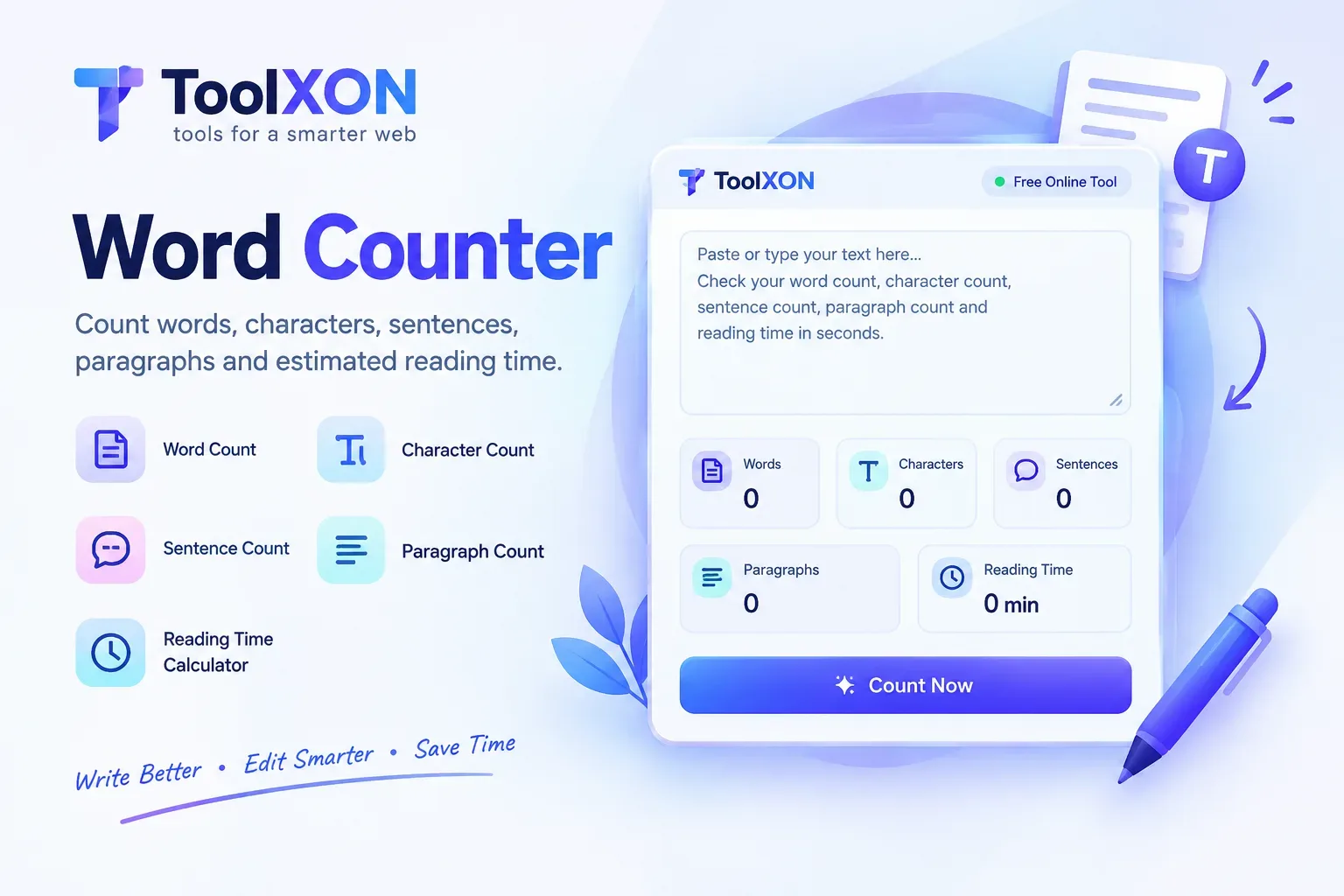
Whether you are optimizing content for search engine snippets or crafting concise messages, keeping an eye on your text length saves time and prevents formatting errors. As you refine your writing style, you might also want to check out our companion Word Counter
Character Counter
Total: 0No spaces: 0Letters: 0Digits: 0Spaces: 0Lines: 0
How to Use the Text Length Checker
Counting your text is completely straightforward and takes mere seconds.
- Paste Your Text: Copy your drafted content from your document or editor.
- Drop it into the Box: Paste the text directly into the input field of the character counter tool.
- Review Metrics Instantly: The system automatically breaks down your total characters, letters, digits, spaces, and line counts in real time.
Why Accurate Character Limits Matter
Managing text boundaries plays a massive role in digital publishing. Search engines like Google truncate meta descriptions that cross roughly 155 to 160 characters, which can hurt your click-through rates. Similarly, platforms have strict limits to keep feeds clean. Utilizing a precise letter count checker ensures your messaging stays sharp, concise, and fully visible to your audience without unexpected cutoffs.
Frequently Asked Questions (FAQs)
- Does this character counter include spaces?Yes, the tool calculates total characters both with and without spaces, giving you a complete overview of your text structure.
- Is there a limit on how much text I can paste?No, you can paste short sentences or entire blog posts; the counter processes the input instantly.
- Is this tool free to use?Yes, the ToolXON character counter is 100% free with no registration required.


Leave a Comment
Join the discussion. Please keep comments respectful.