The Word Counter from ToolXON makes it easy to check the length of any text in seconds. Whether you are writing a blog post, preparing an essay, creating social media captions, or editing website content, knowing your word count helps you stay organized and meet your writing goals.
Instead of counting words manually, you can use this free online word counter to check words, characters, sentences, and paragraphs in one place. It also provides an estimated reading time, making it useful for bloggers, students, writers, and content creators.
Simply enter or paste your text into the tool and review the results. It is a practical way to check article length, refine your writing, and prepare content for different platforms without installing additional software.
Word Counter
Table of Contents
- What Is a Word Counter?
- How to Use the Online Word Counter
- Key Features of This Word Count Tool
- Who Can Use This Tool?
- Frequently Asked Questions
What Is a Word Counter?
A word counter is an online writing tool that measures the length of your text. In addition to the total number of words, this word count tool can display character, sentence, and paragraph counts.
These details are helpful when writing SEO articles, academic assignments, website pages, and social media posts. The reading time estimate also helps you understand how long your content may take to read.
How to Use the Online Word Counter
Using the ToolXON word counter is simple:
- Open the Word Counter tool.
- Type your text or paste existing content into the text field.
- Check the displayed word and character counts.
- Review the sentence count, paragraph count, and estimated reading time.
- Edit your text as needed to meet your requirements.
Key Features of This Word Count Tool
- Word Count: Check the total number of words in your text.
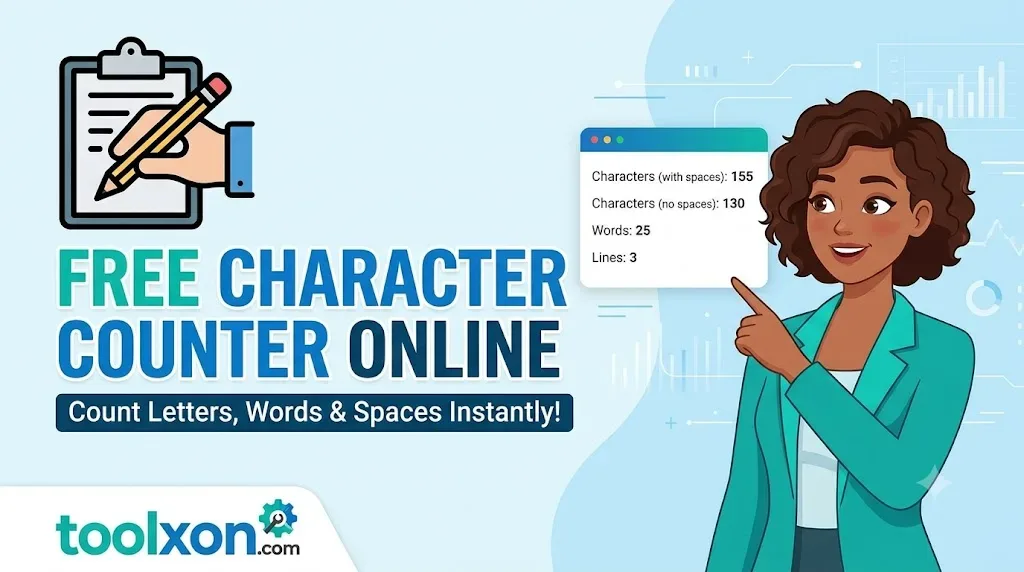
- Character Counter: Measure text length by characters.
- Sentence Counter: Review the number of sentences.
- Paragraph Counter: Check how your content is divided.
- Reading Time Calculator: Estimate how long your text takes to read.
These features make the tool useful for everyday writing and content editing.
Who Can Use This Tool?
Students can check assignment word limits, bloggers can review article length, and copywriters can prepare content for clients. Website owners and SEO professionals can also use a word counter when editing landing pages, product descriptions, and blog posts.
Frequently Asked Questions
Is this Word Counter free to use?
The ToolXON Word Counter is designed as an accessible online writing utility. You can use the tool on its page to check your text.
Can I count characters as well as words?
Yes. The tool provides character counting alongside word counting, sentence counting, and paragraph counting.
How is reading time estimated?
Reading time is generally estimated from the amount of text and an assumed average reading speed. Actual reading time varies from person to person.
Is a word counter useful for SEO?
Yes. It helps you measure content length and meet writing requirements. However, good SEO depends on relevance, helpful information, readability, and search intent—not a specific word count alone.
Who should use an online word counter?
Students, bloggers, authors, editors, copywriters, and digital marketers can all benefit from an online word counter.
Start Counting Words with ToolXON
Make writing and editing easier with the ToolXON Word Counter. Check words, characters, sentences, paragraphs, and estimated reading time in one convenient place.
Explore more useful online tools at ToolXON and simplify your everyday writing tasks.
Leave a Comment
Join the discussion. Please keep comments respectful.